
ORVESTRA · WIKI
DSP - input limiter
IN
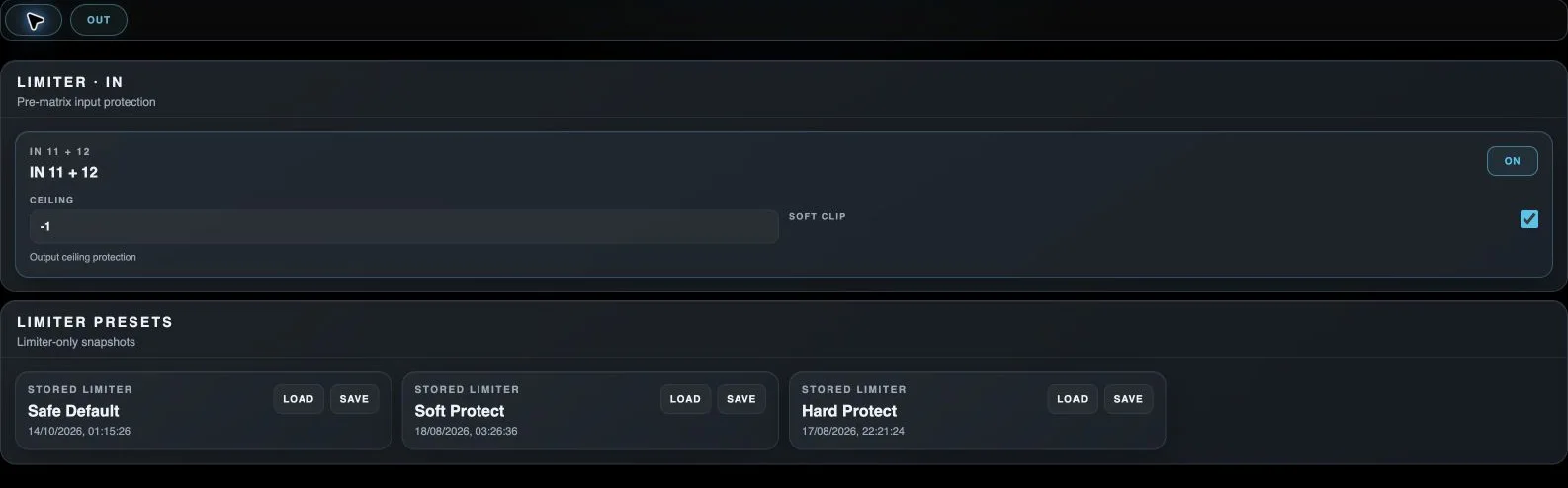
Selects input processing before the routing matrix.
OUT
Selects physical-output processing after routing.
Processor On / Off
Enables or bypasses this processor on the indicated channel.
Limiter ceiling
Sets the upper signal limit protected by the limiter.
Soft clip
Enables softer peak clipping in the corresponding processor.
Load module preset
Loads the processor settings stored in this module slot, rather than a whole scene.
Save module preset
Stores the current module state in this slot, replacing its previous contents.