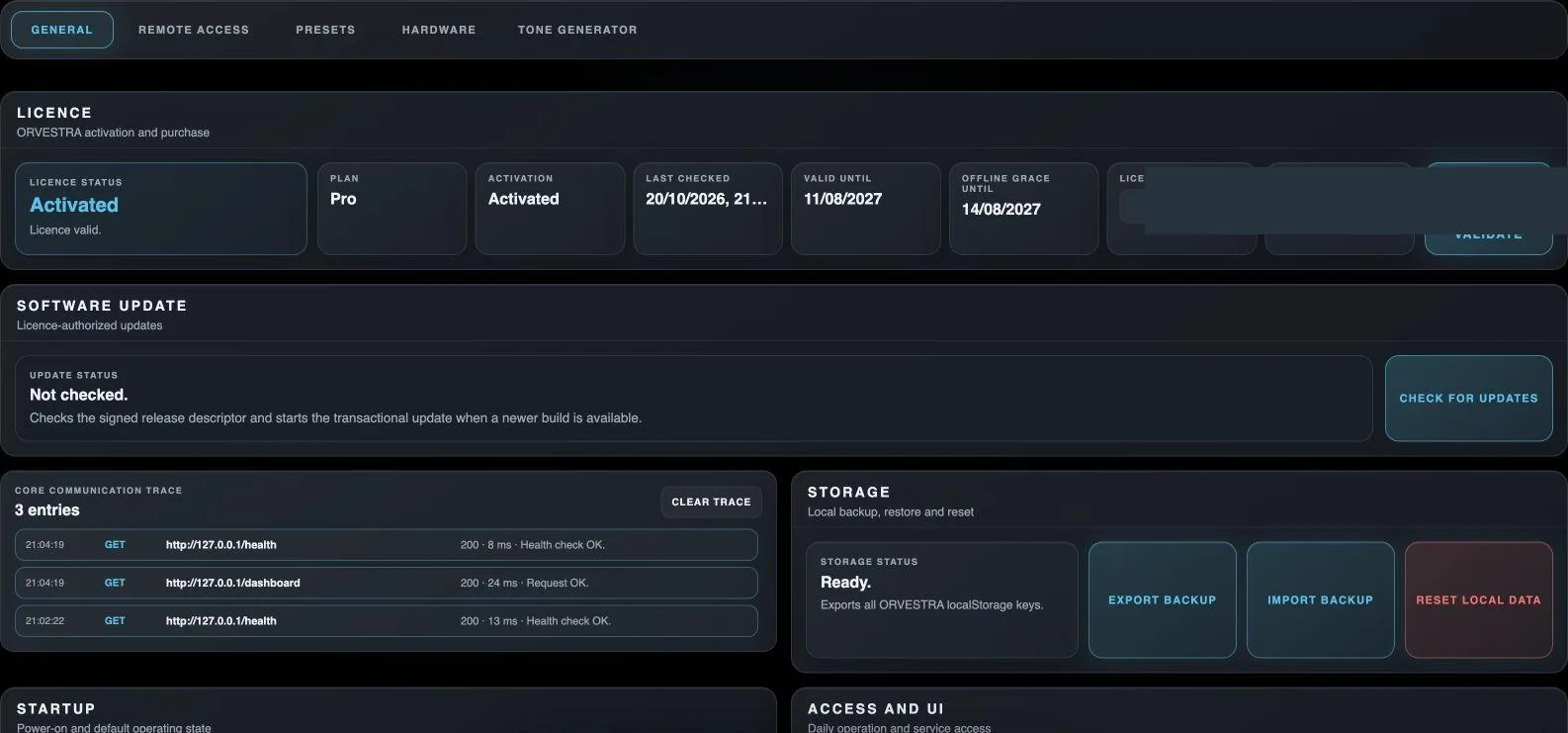
Opens the general settings of the selected main section.
Navigation only; does not change audio settings.
Remote Access
Opens phone pairing and the list of previously paired devices.
Navigation only; does not change audio settings.
Presets
Opens stored settings and preset-slot names.
Navigation only; does not change audio settings.
Hardware
Opens audio-interface detection and selection.
Navigation only; does not change audio settings.
Tone Generator
Opens the test-signal generator.
Navigation only; does not change audio settings.
Licence email
Email address associated with the licence.
Email address; not the phone-pairing user name.
Licence key
Licence key used to activate Core.
Use the format shown in the field; no key is printed in this guide.
Activate
Activates a licence using the entered email and key.
Action against the licensing service; availability depends on connection mode.
Validate
Checks the existing activation and refreshes licence information.
Status, expiry and offline grace are displayed in the same panel.
Check for updates
Checks the signed release descriptor and starts a transactional update when a newer permitted build exists.
Not an information-only button: it may start download/installation and require installer confirmation.
Clear trace
Clears the locally displayed Core communication trace.
Does not delete all service logs on the computer.
Export backup
Exports JSON containing Core audio settings and browser-local settings.
Includes dashboard, Multizone, DSP and DSP presets. It is not a backup of the operating system, media files or hotel, POS and inventory databases.
Import backup
Restores audio and browser-local settings from a compatible backup.
Select and apply the destination hardware first. Import checks channel and zone compatibility and retains destination devices. If partial restoration is reported, review both parts before continuing.
Reset local data
Deletes local browser Orvestra data after confirmation and reloads the GUI.
Does not uninstall Core; export a backup before use.