ORVESTRA · WIKI
Video - presentations on multiple TVs
Start new sharing session
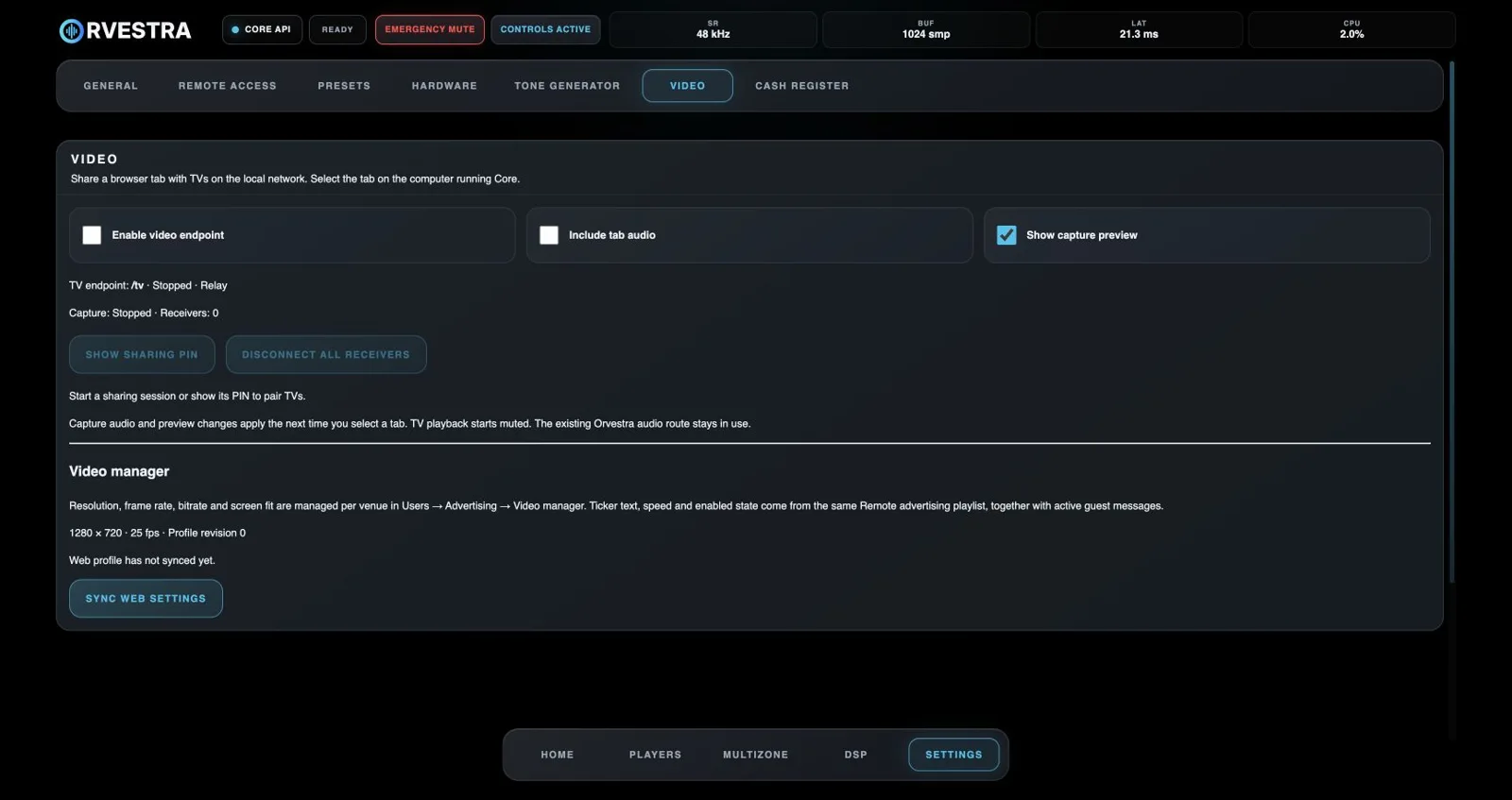
Enable the video endpoint, open capture and choose a browser tab. For presentation audio, enable Include tab audio and grant tab-audio sharing in the browser picker where available. Each TV opens the receiver address and enters the displayed code.
Odaberi novi tab
During sharing, use this button on the capture page. Select another tab and confirm. The existing session stays connected, so TVs do not need to pair again. Cancelling the picker retains the previous tab. Do not create a new session merely to change content.
PowerPoint and the network
Open the presentation in a browser, start presenting and share that tab. Picture and supported audio travel over LAN or WLAN to multiple TVs without HDMI distribution. This is tab streaming, not a built-in PowerPoint player or direct PPT import. Quality depends on the network and browser capabilities.