ORVESTRA · WIKI
Additional services and stay charges
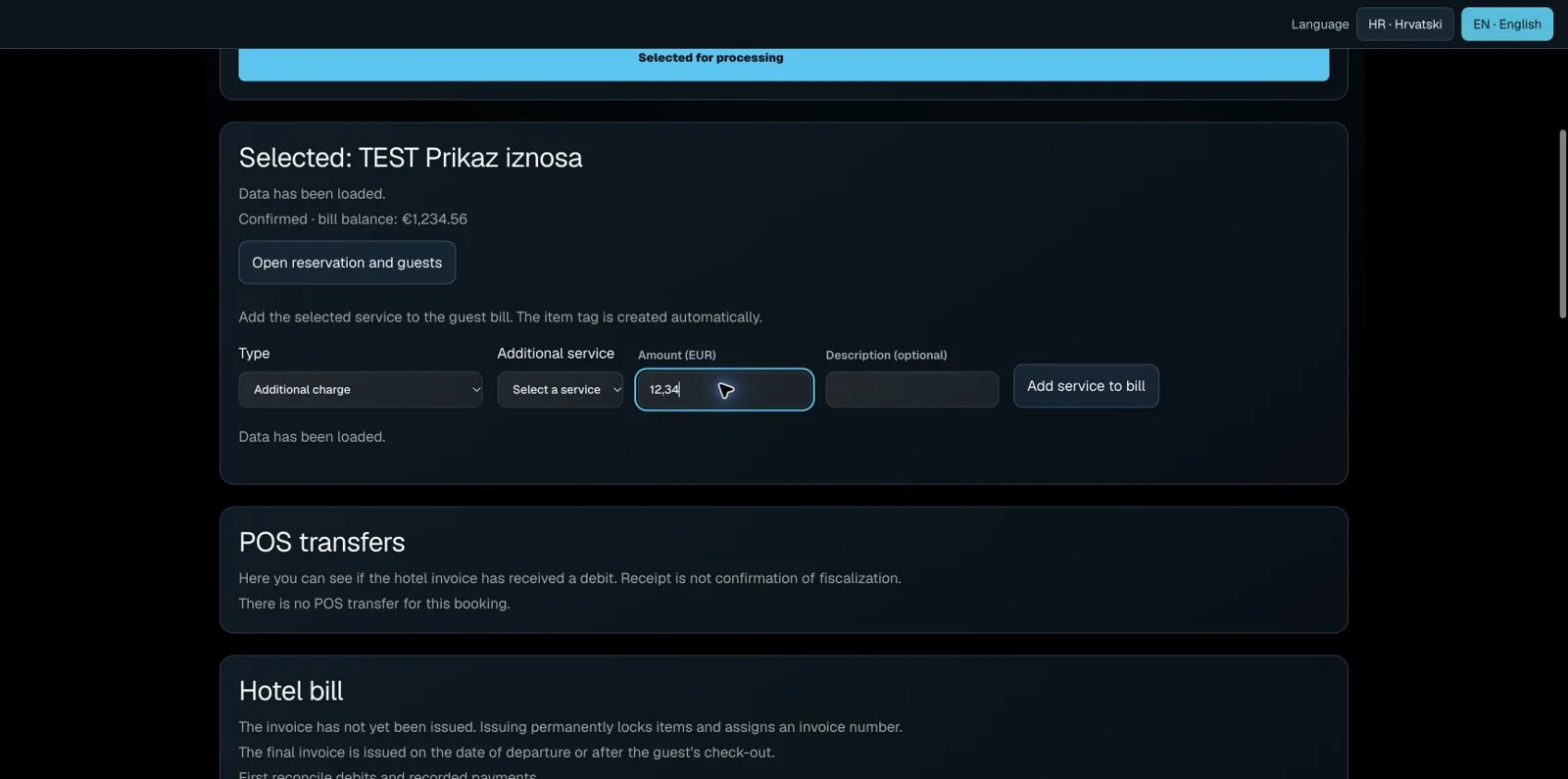
On the selected reservation, click Open folio and payment.
For breakfast or another service, select Type → Additional charge, then Additional service. Enter the amount and an optional description.
Click Add service to bill. Check the entry under Guest folio items and the updated balance.
For an in-house stay, use Calculate the night for the displayed due room nights, or Calculate day use. Departure day is not another room night. Day use is posted once at the agreed rate.
POS transfers appear separately. If a transfer is pending, check its outcome at the register; do not manually add the same service again.