ORVESTRA · WIKI
Housekeeping - rooms and tasks
Room overview
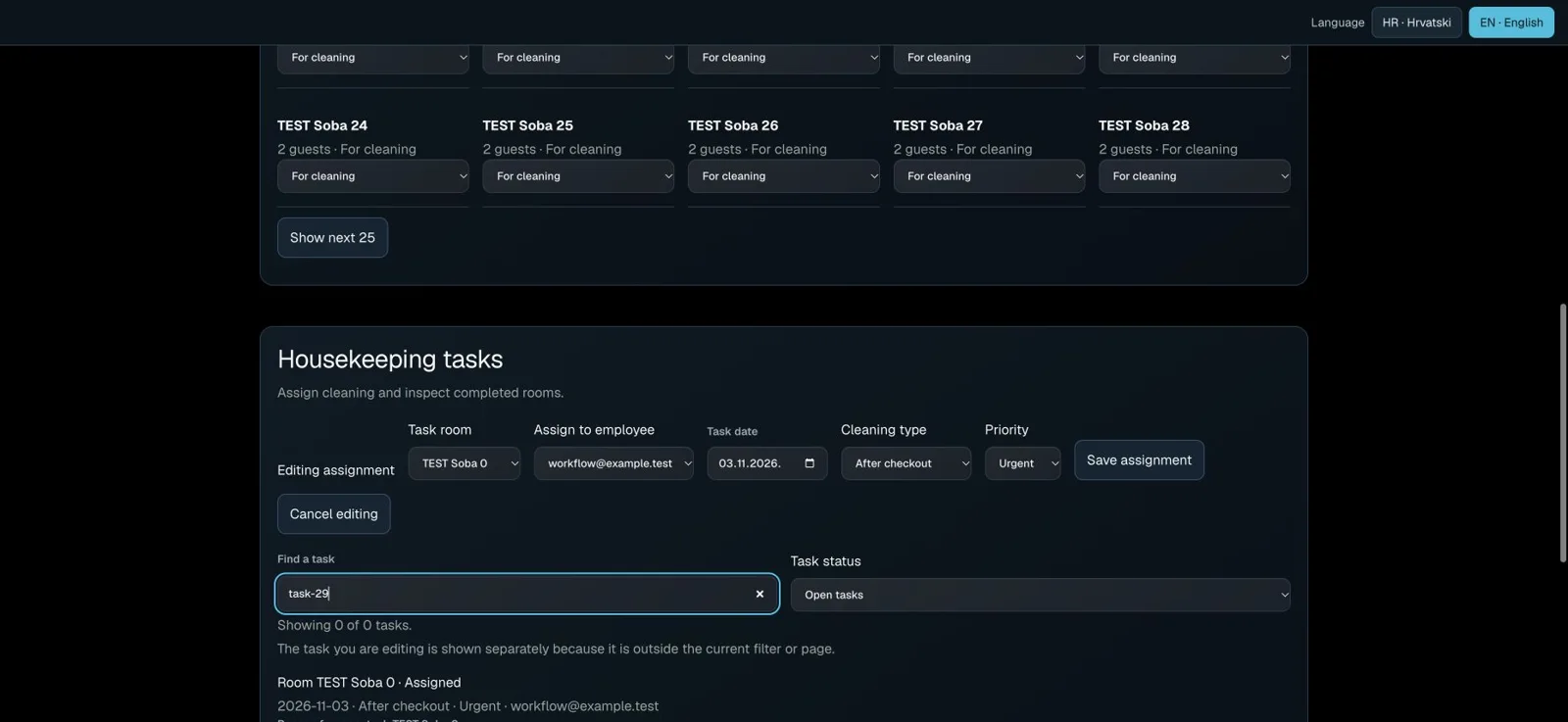
Under Hotel → Operations, use Find a room and Cleaning status. Search accepts room names or references, including without accents. Show next 25 expands the list; Clear filters restores all rooms.
Tasks and history
Find a task searches by room, reference or date. Task status initially shows Open tasks. Choose Inspected, Canceled or All statuses for history. Tasks are ordered by due date, then urgency.
Editing assignments
Choose the room, employee, date, cleaning type and priority, then Assign task. Edit assignment opens an existing task, which remains visible outside the filter. Cancel editing closes the editor; it does not revoke the assignment.
Cleaning and inspection
Start cleaning records the start of work. Finish cleaning sends the task for review. The manager uses Confirm room inspection to mark the task inspected and the room ready. Enter a reason without guest personal information when reporting an obstacle or returning a room for cleaning.
Safety and maintenance
Staff see their own tasks; managers assign and inspect. If another operator changes the record, refresh and review its current state. HR/EN retains filters, names, notes and invoice identifiers. Under Room maintenance and blocking, Unblock room removes the block; it does not check out a guest or mark the room clean.