ORVESTRA · WIKI
POS - from entry to completion
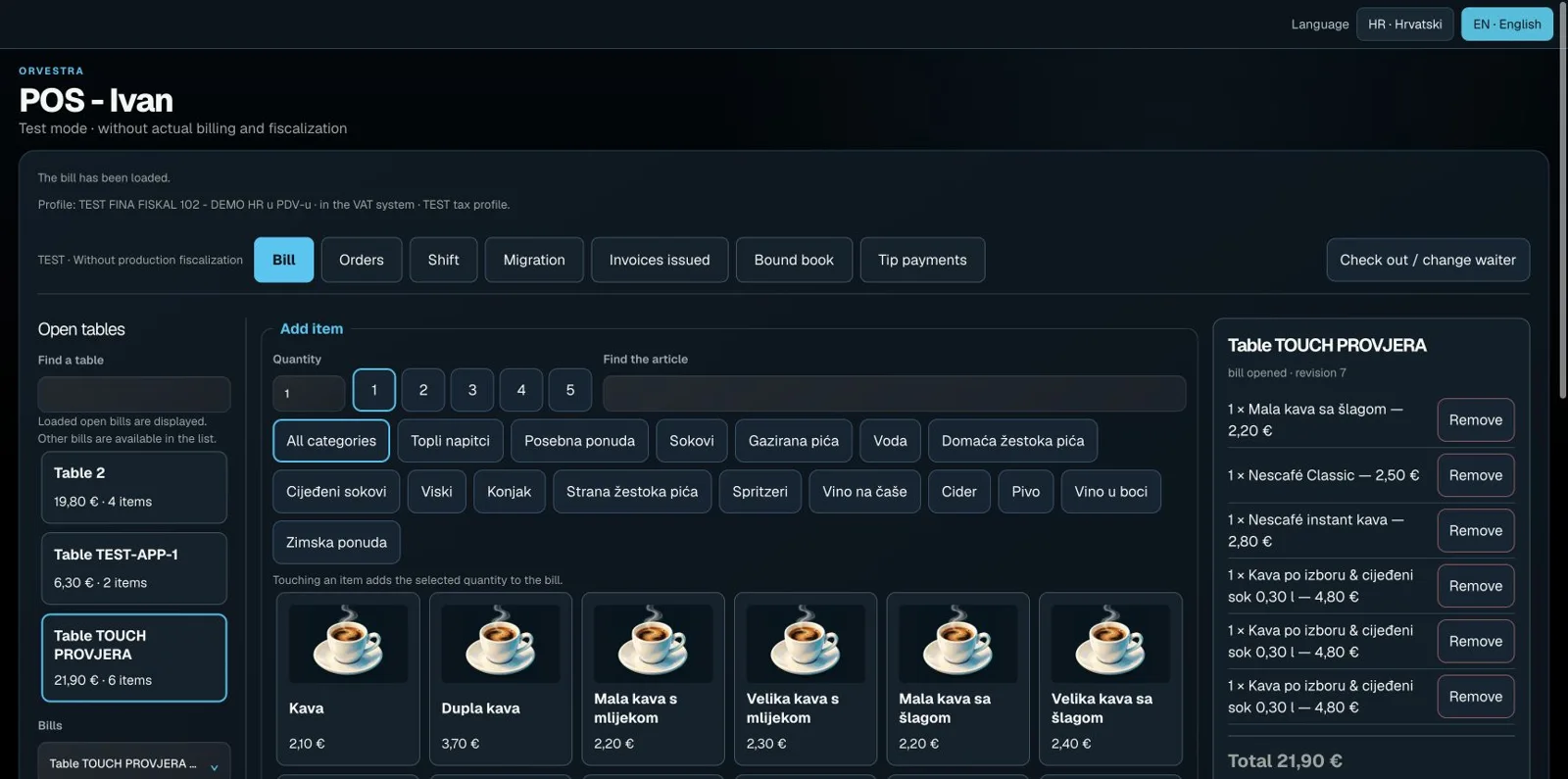
Select the bill
Sign in with your operator PIN. Check TEST or production mode and the selected table. Add items, quantities and notes, then review the total before payment.
Payment and retry
Choose the actual payment method and confirm once. If the reply is lost, first check the saved bill or offered recovery of the same request. Do not open a new bill for the same payment. Recording payment does not automatically charge a card.
Transfer to a room
Where hotel transfer is available, select the matching reservation. Verify the transfer outcome and guest folio; do not manually enter the same item again. Use the linked return action rather than deleting history.