
ORVESTRA · WIKI
Sign-in and first access
ORVESTRA
Opens the public ORVESTRA website.
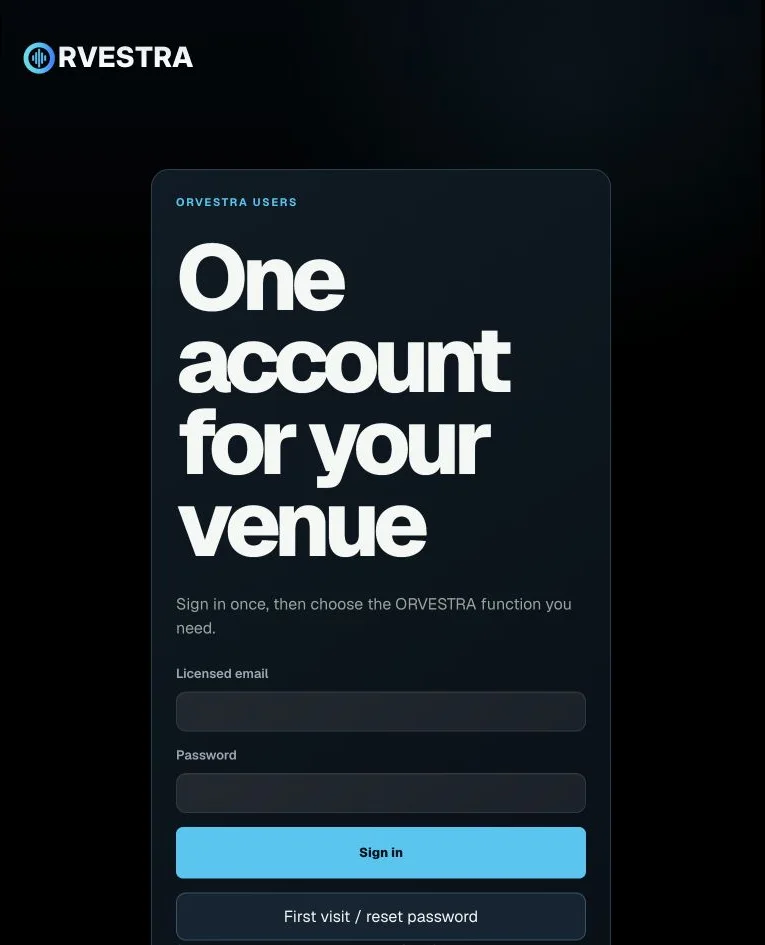
Licensed email
Email of the account linked to an ORVESTRA licence.
Password
Account password used to sign in to the portal.
Sign in
Checks the entered credentials and opens the available functions.
First visit / reset password
Starts initial access or password recovery for the entered email.