
ORVESTRA · WIKI
Assignments - bulk actions
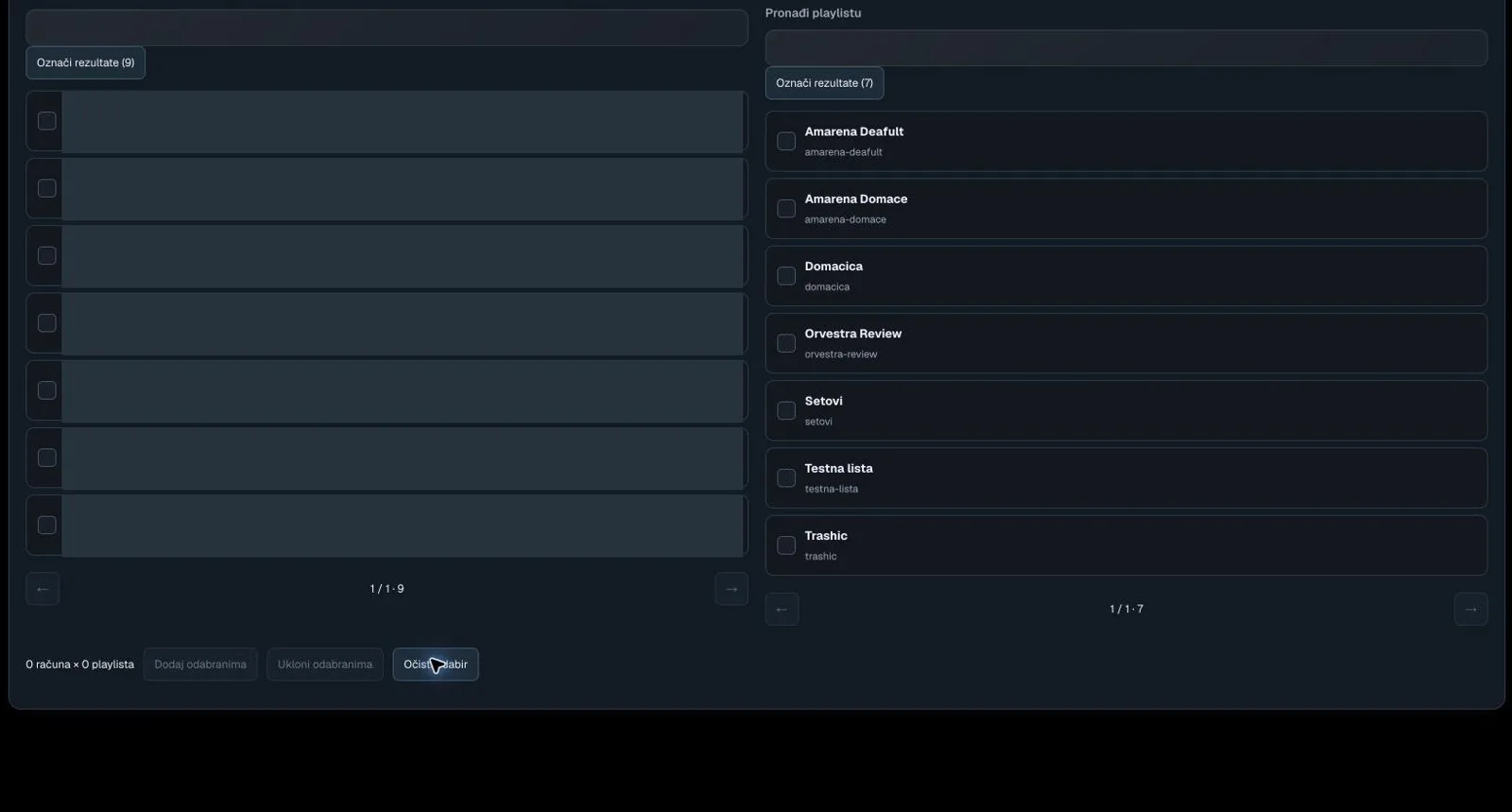
Find venue, email or licence
Filters accounts/venues in the assignment view.
Select results
Selects the current filter results on that side of bulk assignment.
Account / venue
In By venue, loads account access; in bulk mode, selects an account.
Previous page
Opens the previous assignment list page.
Next page
Opens the next assignment list page.
Find playlist
Filters the playlist assignment list.
Playlist assignment item
Selects a playlist or stages its access checkbox.
Add to selected
Stages access to the selected playlists for the selected accounts.
Remove from selected
Stages removal of the selected assignments.
Clear selection
Clears locally selected items.